DSCube
A downloadable game
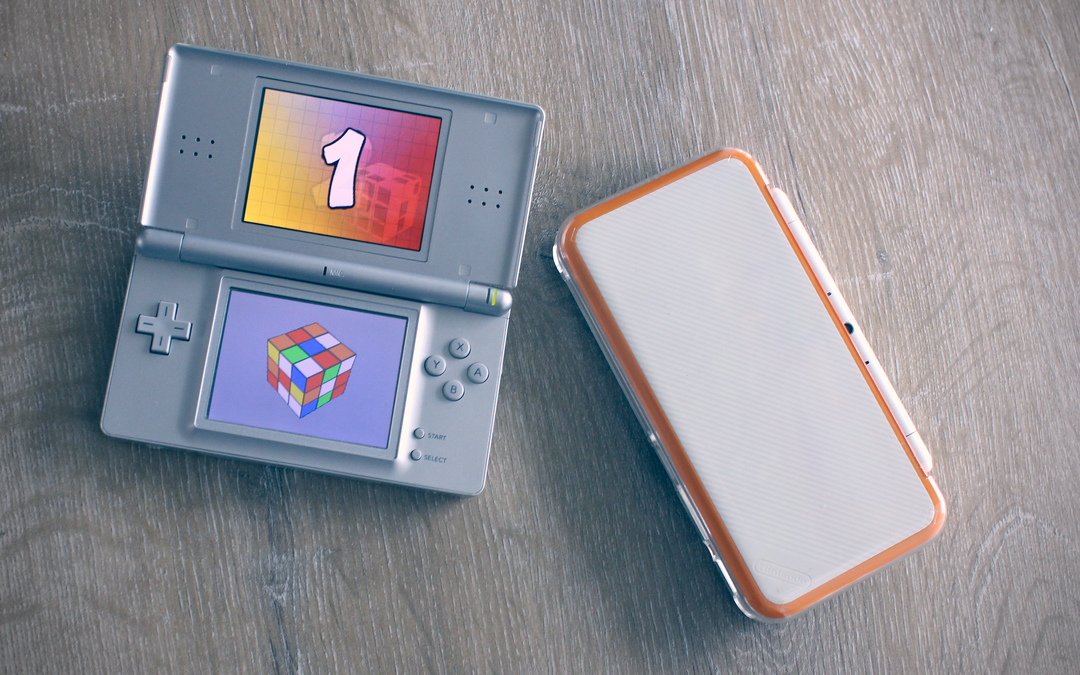
DSCube lets you solve twist puzzles in three sizes on your Nintendo DS (or in an emulator). Pick a cube, scramble it, and race the clock to solve it. This manual covers everything you need to start playing.
Quick Start
- Get the ROM — download
dscube.ndsfrom the release page. - Open it — load the ROM in melonDS (recommended emulator) or on real hardware with a flashcart.
- Choose a cube — on the title screen, tap Mini (2×2), Standard (3×3), or Master (4×4).
- Wait for the countdown — 3 … 2 … 1 … GO! The cube is scrambled and the timer begins.
- Solve it! — drag faces on the touch screen to rotate layers. Use the D-pad to orbit the camera.
Running the Game
Emulator (recommended for most users)
DSCube has been tested on melonDS, a free and open-source Nintendo DS emulator available for Windows, macOS, and Linux. Download it, open dscube.nds via File → Open ROM, and you're good to go.
Other emulators such as DeSmuME should also work but have not been specifically tested.
Real hardware
Copy dscube.nds to a DS-compatible flashcart's microSD card, insert it into your Nintendo DS, and launch the ROM from the flashcart menu.
Controls
Puzzle interaction (touch screen)
While playing, tap a face on the cube and drag in the direction you want the layer to rotate. A short drag (roughly one cubelet's width) triggers the move.
Camera
| Input | Action |
|---|---|
| D-pad Left | Rotate camera left |
| D-pad Right | Rotate camera right |
| D-pad Up | Rotate camera up |
| D-pad Down | Rotate camera down |
| L | Zoom out |
| R | Zoom in |
Menus & navigation
| Input | Action |
|---|---|
| Start | Pause / resume (while playing) — return to title (after solving) |
| B | Resume from pause |
| A | Activate the focused button |
| D-pad | Move focus between buttons in menus |
| Touch screen | Tap any button directly |
Game Flow
- Title Screen — choose your cube size. Tap the gear icon in the bottom-left to open settings.
- Countdown — a 3-2-1-GO sequence plays while the cube is scrambled.
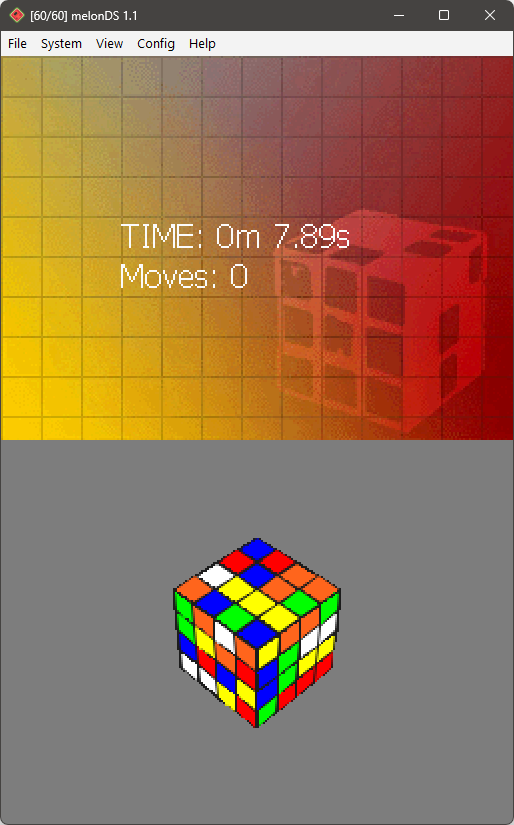
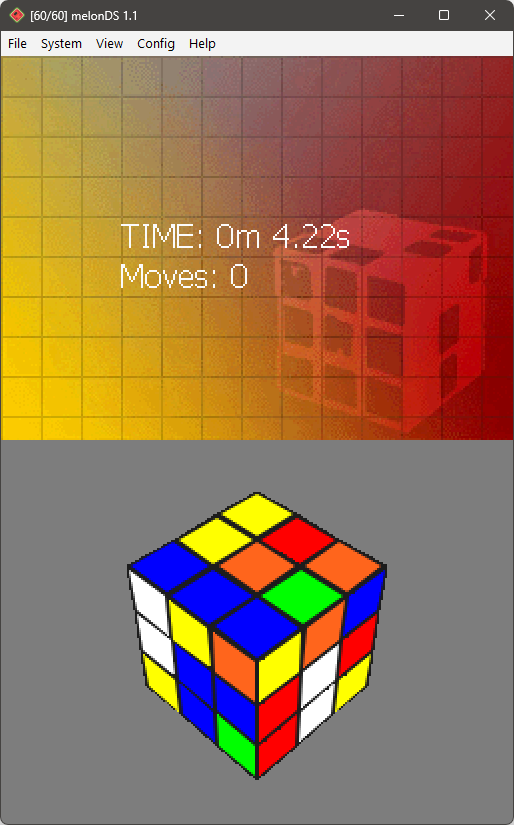
- Playing — the timer and move counter are shown on the bottom screen. Drag faces to rotate layers and orbit the camera with the D-pad.
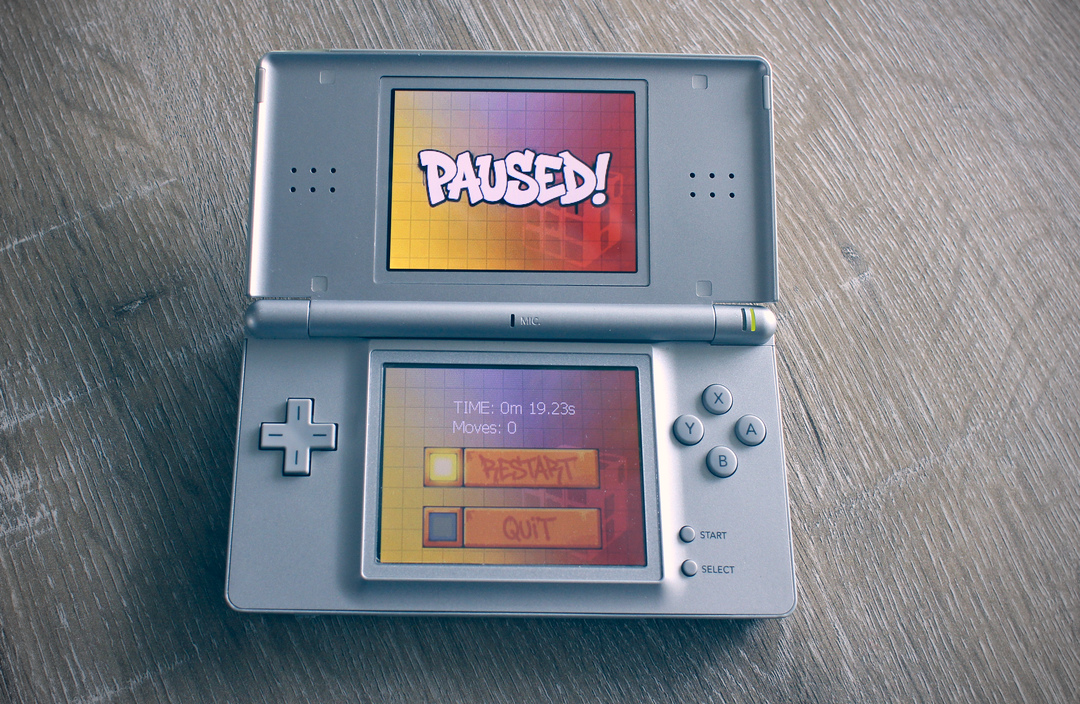
- Paused — press Start to pause. From here you can Restart (re-scramble) or Quit back to the title screen, or press Start / B to resume.
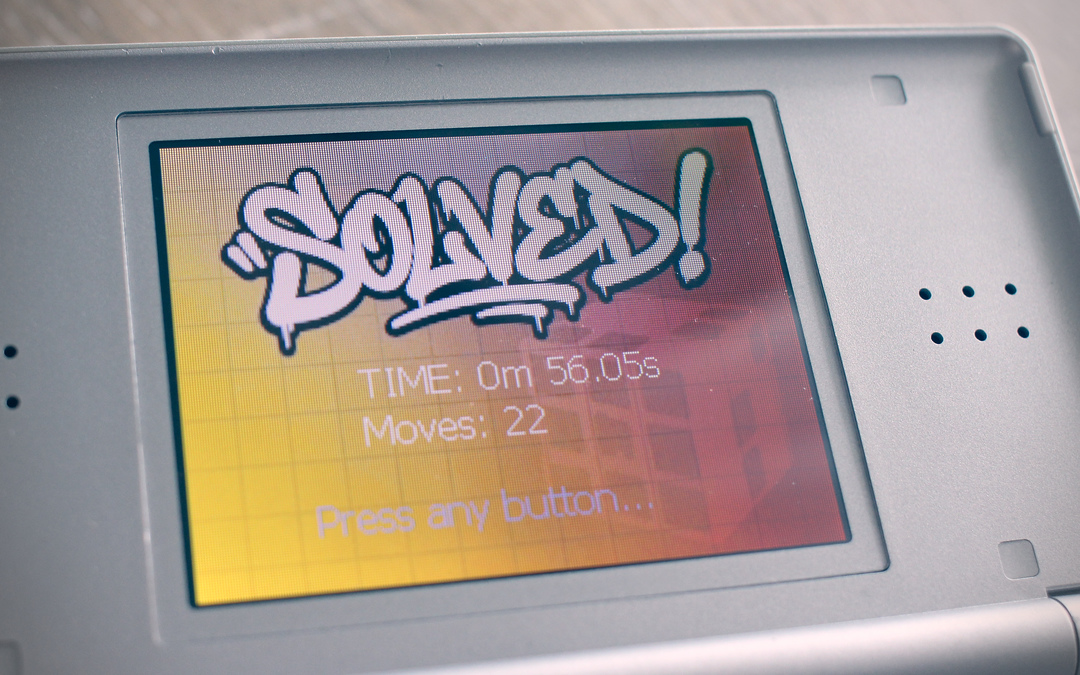
- Solved! — when all faces match, the timer stops and your final time and move count are displayed. Press Start to return to the title screen.
Cube Sizes
| Name | Size | Difficulty |
|---|---|---|
| Mini | 2 × 2 | Beginner-friendly — a good place to start. |
| Standard | 3 × 3 | The classic challenge. |
| Master | 4 × 4 | For experienced solvers looking for more complexity. |
Settings
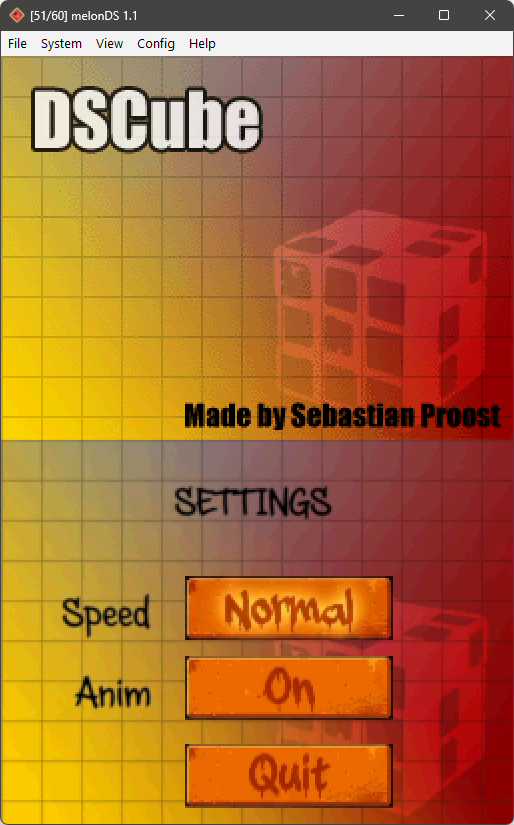
Tap the gear icon on the title screen to open the configuration menu.
| Option | Values | Description |
|---|---|---|
| Rotation Speed | Slow / Normal / Fast | Controls how quickly layers animate when rotated. Tap to cycle through values. |
| Animation | On / Off | When off, rotations snap instantly to their final position. |
Press Back or B to return to the title screen.
Tips
- Use L and R to zoom out and in — a wider view helps when planning your next moves.
- Orbit the camera with the D-pad to find the face you need before dragging.
- Start with the 2×2 Mini cube to get comfortable with the touch controls before moving to larger sizes.
- If a rotation doesn't trigger, make sure you're dragging far enough — a deliberate swipe across one cubelet works best.
- Turn animations off in settings if you prefer faster solving with instant snaps.
Credits & Links
Originally created by Sebastian Proost. Modernized to build with current toolchains.
Developed with devkitARM (part of the devkitPro toolchain) and libnds.
Tested on melonDS.
- devkitPro — homebrew development toolchain
- melonDS — recommended Nintendo DS emulator
- DeSmuME — alternative Nintendo DS emulator
- CC BY-NC-SA 4.0 — full license text
DSCube © Sebastian Proost — Licensed under CC BY-NC-SA 4.0. Commercial use is prohibited.
Download
Click download now to get access to the following files:
Leave a comment
Log in with itch.io to leave a comment.